Grab exactly what matters.
Area, window or display. Pixel dimensions and aspect presets, a timer, repeat-area capture and custom global shortcuts.
Menu
STEVE JOBS
MAYA ANGELOU
JOEL SPOLSKY
Start a Project

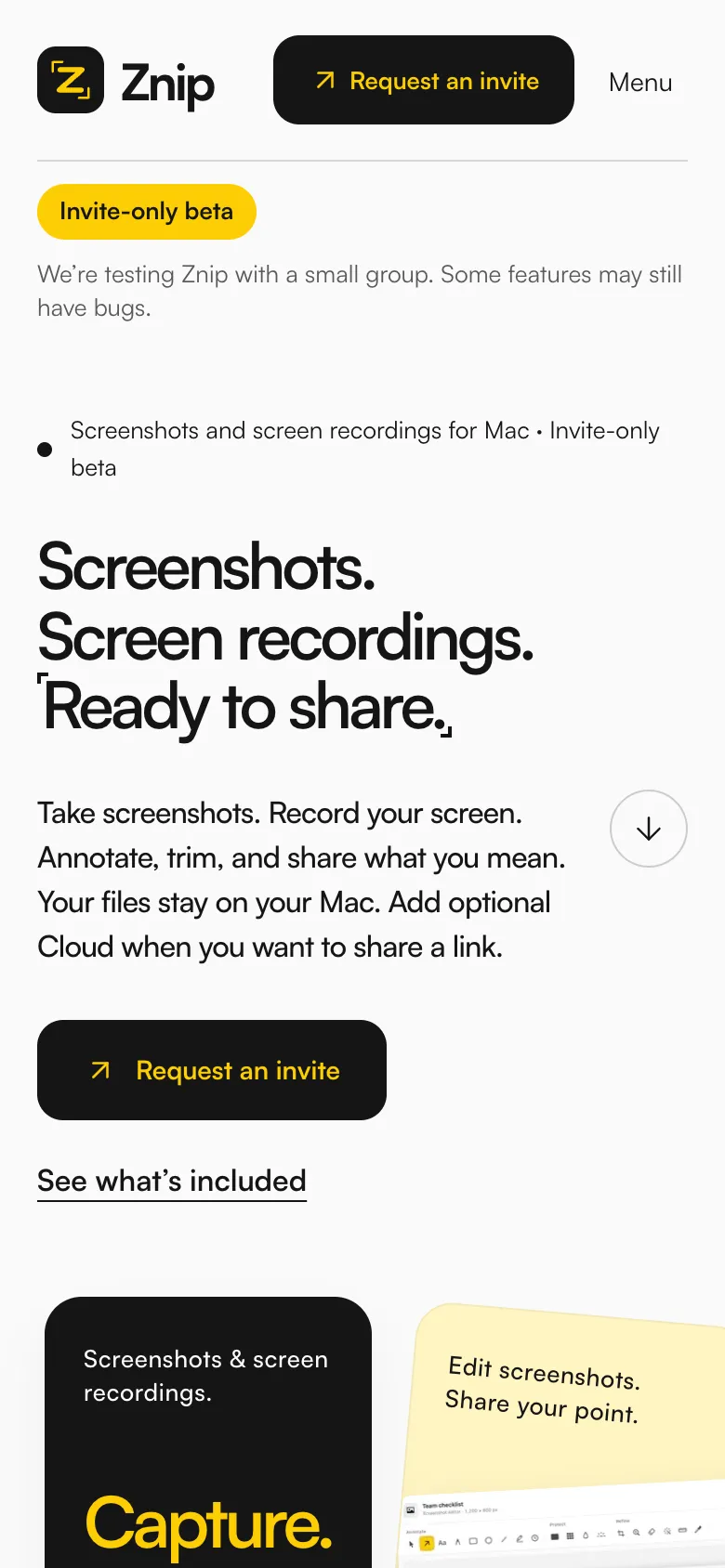
Znip is a Mac app for screenshots, screen recordings and sharing. It is our own product: we are designing and building it at SIDDATWORK®, and right now it is in an invite-only beta with a small group of testers. This is what we are making, and why.
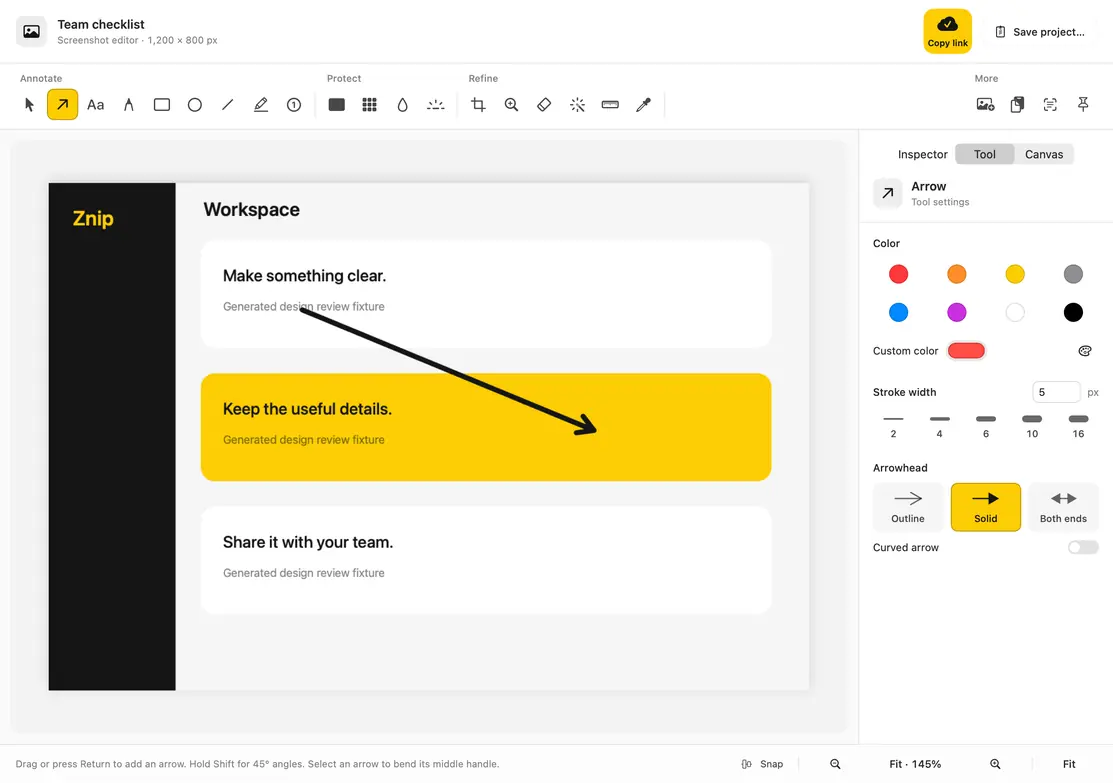
Most of the explaining we do at work is “look at this”. A screenshot with one arrow beats a paragraph. A thirty-second recording beats a meeting. We wanted a Mac app that does both well, keeps the files on the Mac, and gets out of the way. So we are building it.
Capture, edit, record, trim and share live in one native Mac app. A screenshot gets an arrow and a privacy block. A recording gets trimmed and exported as an MP4 or a GIF. Nothing leaves for another tool.
Captures save locally. Text recognition runs on the Mac. Sharing a file needs no cloud plan at all. Znip Cloud is there when you want a link, and it is optional, with limits written down in plain sight.
Drag a selection and the corners snap to it. Set pixel dimensions or an aspect preset, add a timer for menus and hover states, or repeat the last area without drawing it again.
Hover a window and it lights up. One click takes it, clean edges and all, without the desktop behind it.
Everything on screen in one go. The same shortcut family throughout: hold Control, Shift and Command, then press the last key.
Pick a region and let Znip scroll the page, or scroll it yourself, vertically or horizontally, while it joins the views into one long image.
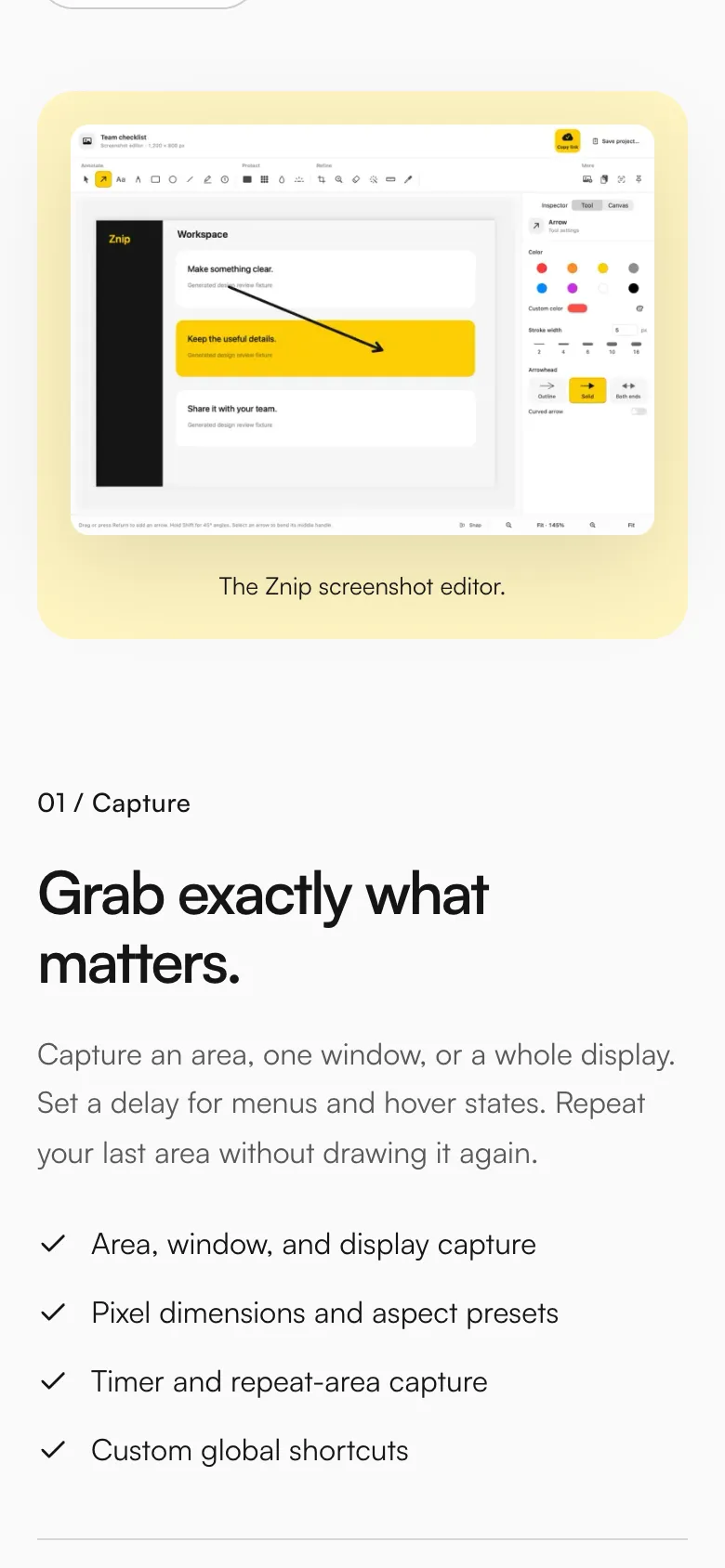
Arrows, text, shapes, freehand, numbered steps, a highlighter and a spotlight. A solid privacy block for names and emails, flattened into the export. Backgrounds, padding and rounded corners when a screenshot needs a frame. And every project stays editable, so you can open it again tomorrow.
Record a display, a window or an area at 15, 30 or 60 frames per second, with the microphone, system audio, visible clicks and a camera bubble if you want one. Then drag two handles on the timeline to keep the useful part, add click zooms, and export an MP4 or a short, silent GIF.
Most sharing is a file. Copy the edited screenshot into a message, or export the recording and attach it to chat, email or a doc. No cloud plan needed for any of that.
Znip Cloud includes 10GB of storage, with up to 1GB per recording and 50MB per image. Access is by invitation while Znip is in beta.
The features page on znip.app walks through the app in ten parts. Here they are, in the order you would meet them.
Then record, finish, share, read, and go further. Scroll →
Area, window or display. Pixel dimensions and aspect presets, a timer, repeat-area capture and custom global shortcuts.
Arrow styles, text, shapes and freehand. Steps, highlighter and spotlight. Crop, resize, rotate and flip.
Solid redaction blocks and pixelation. The cover is flattened into the exported pixels.
Background colours or your own image, padding, corners and shadow. Save a named style and use it again.
A local library with search over titles and recognised text, favourites, and floating pins that sit above other windows.
Display, window or area at 15, 30 or 60 fps. Microphone, system audio, visible clicks and a camera overlay.
Two-handle trimming, four recording backgrounds, landscape, square or portrait framing, click zooms and cursor motion.
MP4 and GIF export with size and frame-rate choices. PNG and JPEG for screenshots. Cancel an export and keep the original.
Words and QR codes pulled from a screenshot, recognised on the Mac, copied to the clipboard.
Long pages, vertically or horizontally. Automatic scrolling with permission, or scroll yourself while Znip joins the views.
Big type, one yellow, short sentences. The home page says what Znip does in three lines, shows the editor, and tells you straight that it is an invite-only beta. The features page is the manual: ten numbered parts with a checklist each. Analytics stays off until a visitor says yes.
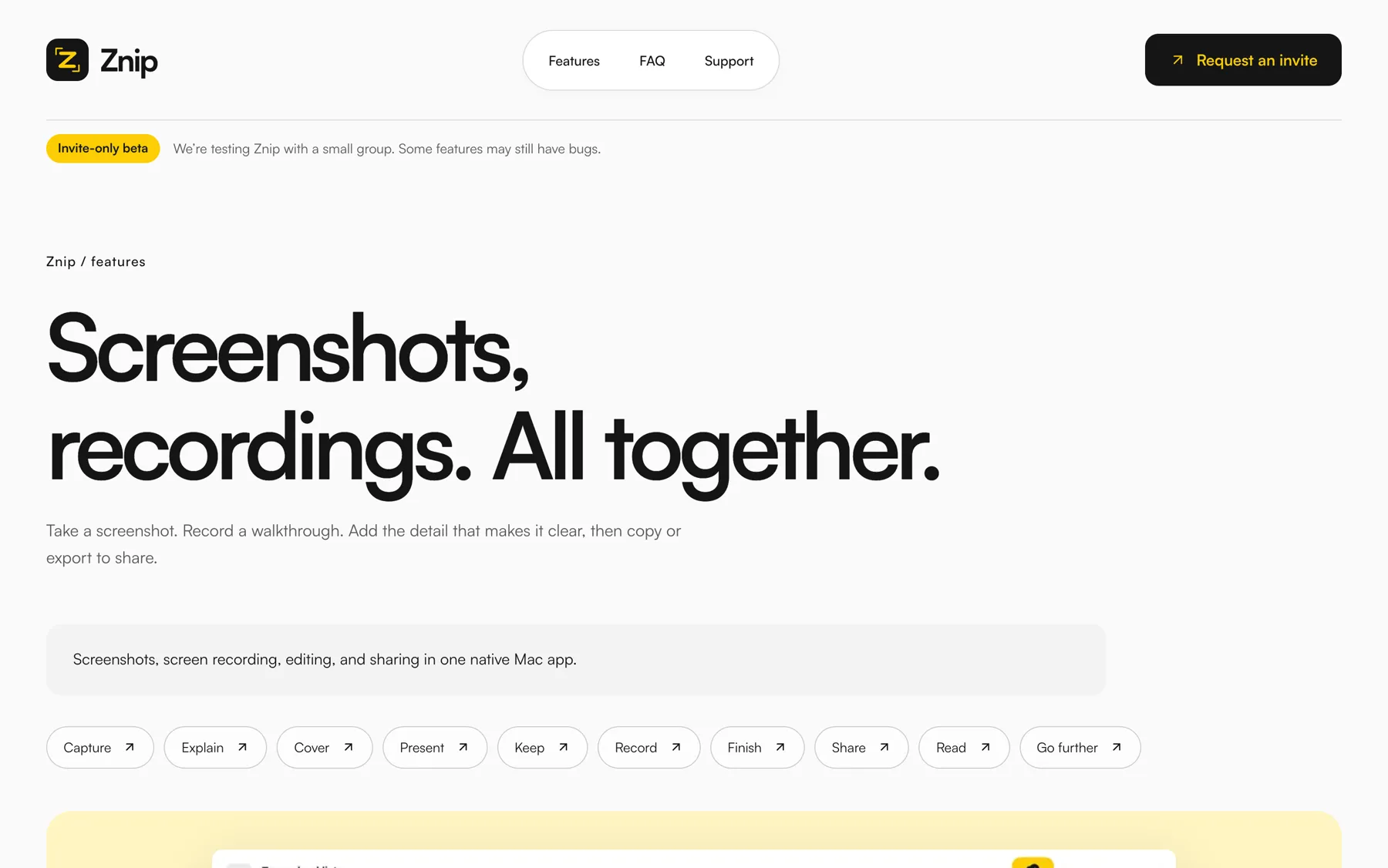
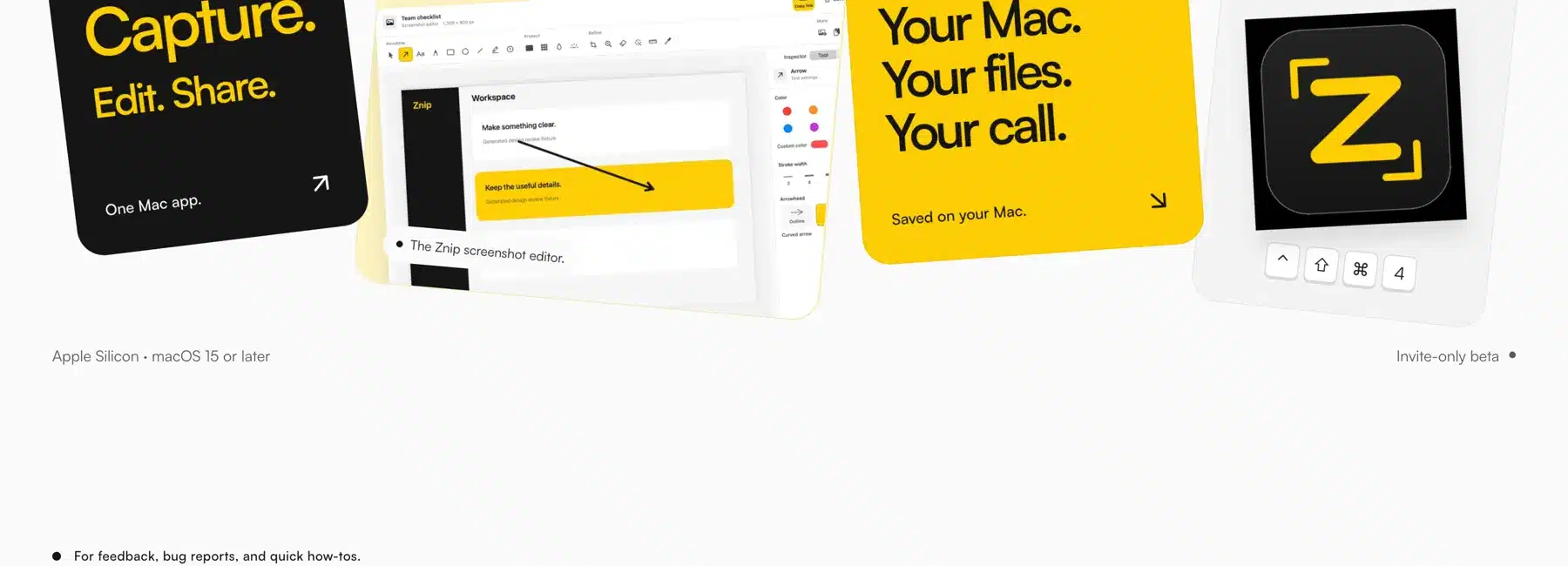
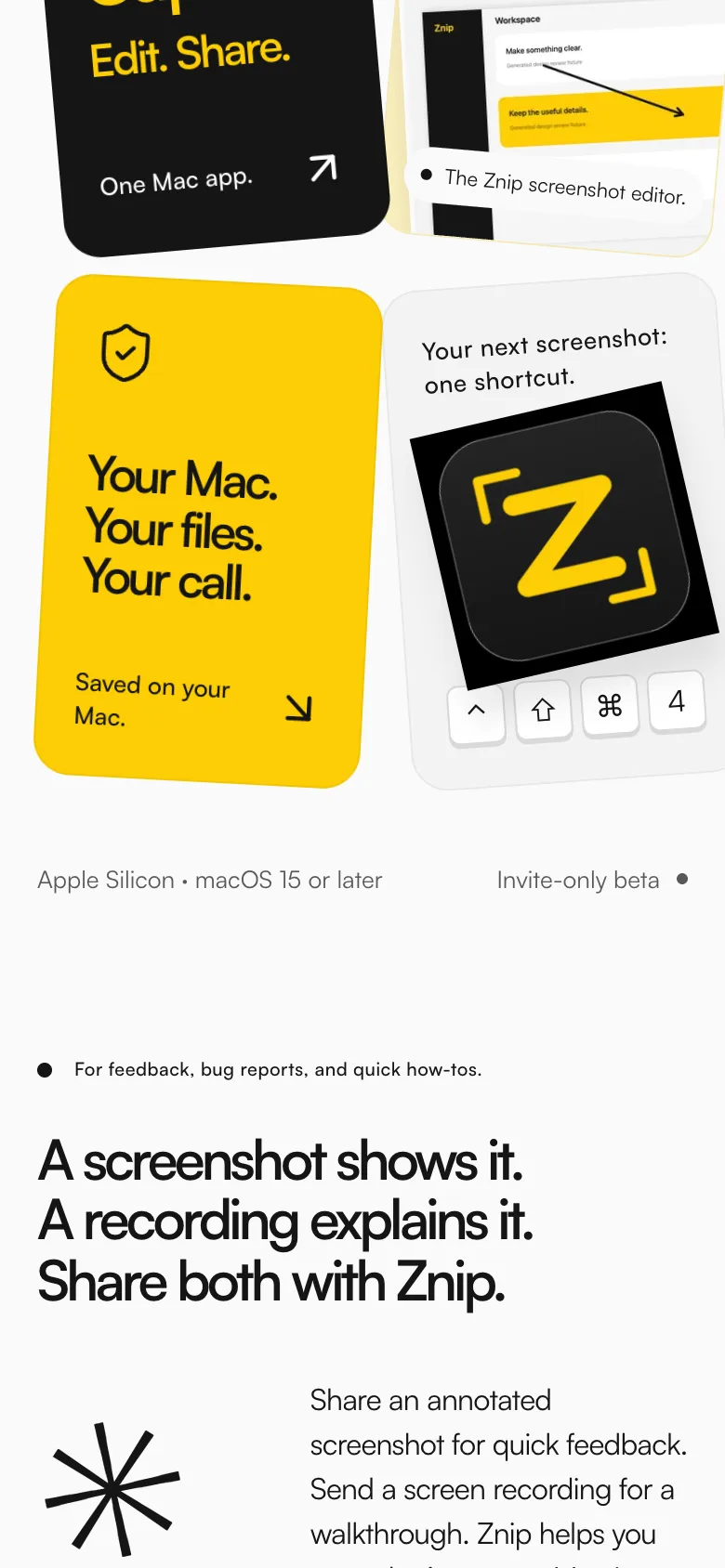
The mark is the whole product in one glyph: a Z, for Znip, sitting inside the two corners you drag when you select an area. It is one yellow on black, so it reads in the menu bar at sixteen pixels and on the app icon at five hundred.
The same corners show up on the site, snapping around the last line of the headline, and in this case study.
#FCCD04The mark, the buttons, the one thing to look at.
#151515Text, the recording section, the footer.
#FFF4C2The text-recognition card and soft tints.
#FAFAFAPage background. Almost white, never quite.
#595959Secondary text and the small print.
Screenshots. Screen recordings. Ready to share.
One family across the site and the editor. Tight headlines with a full stop after every line, and plain sentences underneath.
The footer of every page ends with the name, as big as the viewport allows.

This is how Znip is built today. The FAQ, the privacy notice and the changelog on znip.app spell out the rest.
Built for Apple Silicon on macOS 15 or later. Developer ID signed and notarized by Apple. Not a browser app.
Capture, editing, text and QR recognition and export all run on the Mac. Captures stay there unless you choose to upload one.
Uploads live on Cloudflare R2 and D1. Delete a capture to stop its link. Public links stop when a subscription ends. Cloud never trains AI on captures.
Sign in with an eight-digit email code. One licence covers two Macs, managed from inside the app. Polar handles payments and receipts.
Help → Report a Bug sends a description and an optional reply email. Captures are never attached automatically.
The first changelog entry: area, window, display and scrolling screenshots, the editor, recording with trim and MP4/GIF export, local OCR, and optional Cloud.
We are testing Znip with a small group and some things will still have bugs. Leave your email on znip.app and we will write when there is an invite for you.


No magic here in landscape mode.
Please go back to portrait mode for the best experience.